
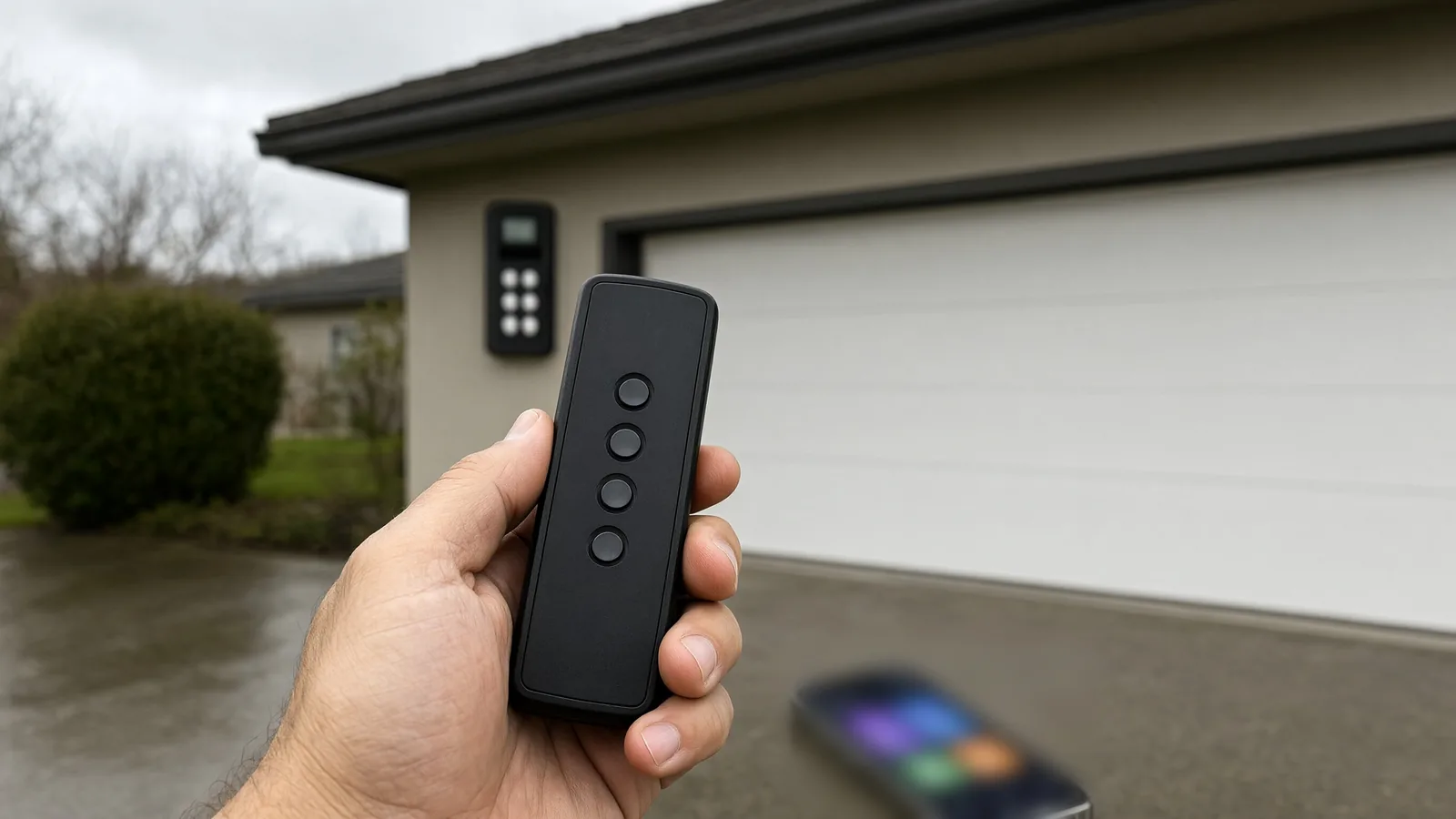
If your garage door remote stopped working but the wall button still opens the door, the opener is fine and the fault sits in the remote, its battery, its pairing, or the wall console's lock mode. If nothing responds at all, start with power. If only the app has failed, the problem is your Wi-Fi. Which of those four you have changes everything that follows.
Which control still works?
This is the whole diagnosis in one list. Find your row, then go to the section it points at.
- Nothing works — remote, keypad, wall button, app. Power, a tripped GFCI, a dead opener or a failed logic board. Start at section 1.
- Wall button works, remotes do not. Lock mode first, then battery, then pairing. Sections 1 and 2.
- One remote works, another does not. That specific remote: battery, button, pairing. Section 2.
- Remote works, keypad does not. Keypad battery, wrong PIN, or lost programming. Section 4.
- Everything works except the app. The 2.4 GHz Wi-Fi band or the myQ connection. Section 5.
1. Is the opener dead, or is the wall console locked?
Stand at the opener head and look for a light. Then press the wall button. No light and no response means power: check the outlet, the GFCI and the breaker before you blame the opener. A garage outlet on a GFCI trips more often than people expect.
If the opener is alive, look at the wall console. Most LiftMaster and Chamberlain wall stations have a lock or vacation button that deliberately ignores every remote and keypad while it is lit. It is a security feature, and it is the one people miss.
The myQ app will also show the door as locked while that mode is on. Release it at the wall console, not in the app, then test a remote from the driveway.
2. Is it the remote? Battery, button or pairing
A remote is three parts: a battery, a button and a transmitter. All three fail, and they usually fail in that order.
Battery. Most remotes run on a coin cell that lasts one to three years. It fades before it dies, so the first symptom is range: you end up pressing from inside the car instead of the end of the driveway. If the remote has an LED, watch it while you press. No light means no power.
Button. A remote that lives in a cup holder collects grit. A button that feels mushy or does not click may never make contact. Press it firmly and slightly off-centre before you replace anything.
Pairing. Rolling-code openers re-sync their code on every press — Security+ 2.0 on current LiftMaster and Chamberlain units, Safety+ 2.0 on older ones. If a remote gets pressed many more times than the opener ever hears it, its code drifts past the window the opener will accept and the remote stops working with a perfectly good battery. A surge can also wipe the receiver's memory.
How do I program a remote to the opener?
- Press and release the learn button on the opener head. The LED beside it lights for about 30 seconds.
- Inside that window, press and hold the remote button you want to use.
- The opener clicks, or its light flashes. Release the button.
- Test it from the end of the driveway, then repeat for each remote.
Do not hold the learn button down. On LiftMaster and Chamberlain openers, holding it until the LED goes out — about six seconds — erases every remote and keypad in memory, and then you start over with all of them.
Buying a replacement? Match it to the colour of the learn button, not the brand on the box. A Security+ 2.0 remote pointed at an older receiver is the usual reason a brand-new remote refuses to learn.
3. Why does the remote only work up close?
Shrinking range is a weak transmitter or a blocked receiver, and the fix is usually not the remote. Walk the line between the car and the opener and look for what is new. A metal shelving unit, a foil-faced insulation panel, a fridge or freezer pushed against the shared wall, a bag of road salt stacked by the door.
Then look at the opener head. The antenna is a thin wire hanging from it. It should be extended and clear of metal, not coiled up and taped to the rail. If it has pulled loose from its terminal, that alone costs you most of your range.
4. Why is the keypad not working?
A garage door keypad not working is usually one of four things, and three of them are a five-minute fix:
- No light, dead keys: battery. Open the cover and check the alkaline cells inside; the label in the compartment tells you the size.
- Lights but no response: wrong PIN, or the keypad lost its programming after a power event.
- Works in summer, fails in winter: moisture in the housing. They are outdoor-rated, not immortal, and a Lower Mainland winter is a hard test.
- One button sticks: replace the keypad. A stuck key can open the door at random, so taping over it is not a fix.
Reprogramming is the same learn-button routine as a remote: press learn on the opener, then enter your PIN on the keypad and hold the enter key until the opener clicks. If it still refuses, the keypad is the fault, not the opener.
On a wired keypad mounted outside, check the terminals behind it. Corrosion is common on the wall that takes the weather.
5. Why is myQ not working when the door still opens?
If the wall button and the remotes work and only the app is offline, your door is fine. The problem is the link between the hub and your router.
myQ hardware is 2.4 GHz only. It will not join a 5 GHz network at all — LiftMaster's own router guidance says so plainly. If your provider swapped your router, if you changed the Wi-Fi password, or if both bands now share one network name with band steering, the hub is being handed a network it cannot see. Splitting out a dedicated 2.4 GHz network fixes it in most homes.
Worth ruling out as well: a hub that lost power and did not reconnect, a router too far from the garage, or a mesh system that keeps handing the hub between nodes. Power-cycle the hub, re-add it in the app, and check signal strength before you assume the hardware has failed. Detached garages are the hard case, and 2.4 GHz is the band with the reach to get out there anyway.
If the app shows the door but the door does not move, check the app's lock state and the activity log. The log tells you whether the command reached the opener at all.
6. Is the opener failing instead of the remote?
Some remote faults are opener faults wearing a disguise:
- Remotes work only within a metre of the opener — receiver or antenna problem.
- Remotes stopped after a storm — surge damage to the receiver or board.
- Remotes work intermittently and the door also stops closing — board or safety sensor interaction.
- Nothing pairs, and the learn button does nothing — dead receiver on the board.
At that point the fix is a receiver, a wall control or a board. Past about a decade, one opener failure tends to follow another within a year or two, which is when a repair is worth pricing against a replacement with current myQ support. We walk through that trade-off in repair or replace your garage door.
What not to do
Do not defeat the safety sensors to "test" a remote. A door that closes with the beam bypassed is the one failure on this page that can hurt someone, which is why the reversal requirement in 16 CFR Part 1211 exists.
Do not tape over a stuck keypad button either. And do not leave a spare remote loose in a bag where it presses against something — that is a real cause of doors opening at night, which we cover in why a garage door opens by itself.
If the door moves but will not close, you are looking at a safety sensor or limit fault rather than a control fault. Start with the won't-close guide instead of this one.
When to call us
- The wall button and every remote have stopped together.
- The opener only responds when you are standing next to it.
- Re-pairing fails, or the learn button does nothing.
- The keypad is dead after a fresh battery.
- You have an older opener and the same fault keeps coming back.
Call 604-388-9868 or send us the details and tell us which controls still work. That one answer usually decides whether we bring a remote, a wall station, a receiver or a new opener, and it saves you a second visit.
Most of what fails here fails slowly, so a yearly service catches a tired wall console or a loose antenna before it strands your car. Our garage door maintenance checklist covers what to check between visits.
When the fault is in the opener rather than the control, our residential garage door repair service covers openers, wall controls, receivers and wiring across Langley and the Lower Mainland.
Sources and standards
- 16 CFR Part 1211 — Safety Standard for Automatic Residential Garage Door Operators (entrapment protection and the reversal rule behind the sensor warning above)
- UL Standards & Engagement — automatic garage door standards (why openers carry two independent entrapment protections)
- LiftMaster / Chamberlain support — recommended router settings for myQ (2.4 GHz only, no 5 GHz support)
- LiftMaster / Chamberlain support — erasing remotes from opener memory (holding the learn button clears every remote)